Introduction
If you use an iPhone, Apple Watch, and AirPods every day, charging them can quickly become a hassle. Multiple cables, different charging bricks, and limited desk space often lead to cluttered workstations and unnecessary frustration.
So what is the best way to charge all three Apple devices at the same time, without turning your desk into a mess of wires? Let’s take a closer look.

The Common Charging Problems Apple Users Face
Many Apple users experience the same issues:
-
Too many charging cables on the desk
-
Limited power outlets
-
Separate chargers for each device
-
A cluttered and unorganized workspace
While using multiple chargers technically works, it’s not an ideal long-term solution—especially for desk and office setups.
Traditional Solution: Multiple Chargers and Cables
The most common approach is still using individual chargers:
-
One for your iPhone
-
One for your Apple Watch
-
One for your AirPods
This setup works, but it comes with clear drawbacks:
-
Takes up more desk space
-
Creates cable clutter
-
Makes daily charging less convenient
For users who value a clean and efficient desk, this method quickly feels outdated.
A Better Desk Setup: Wireless Charging Stations
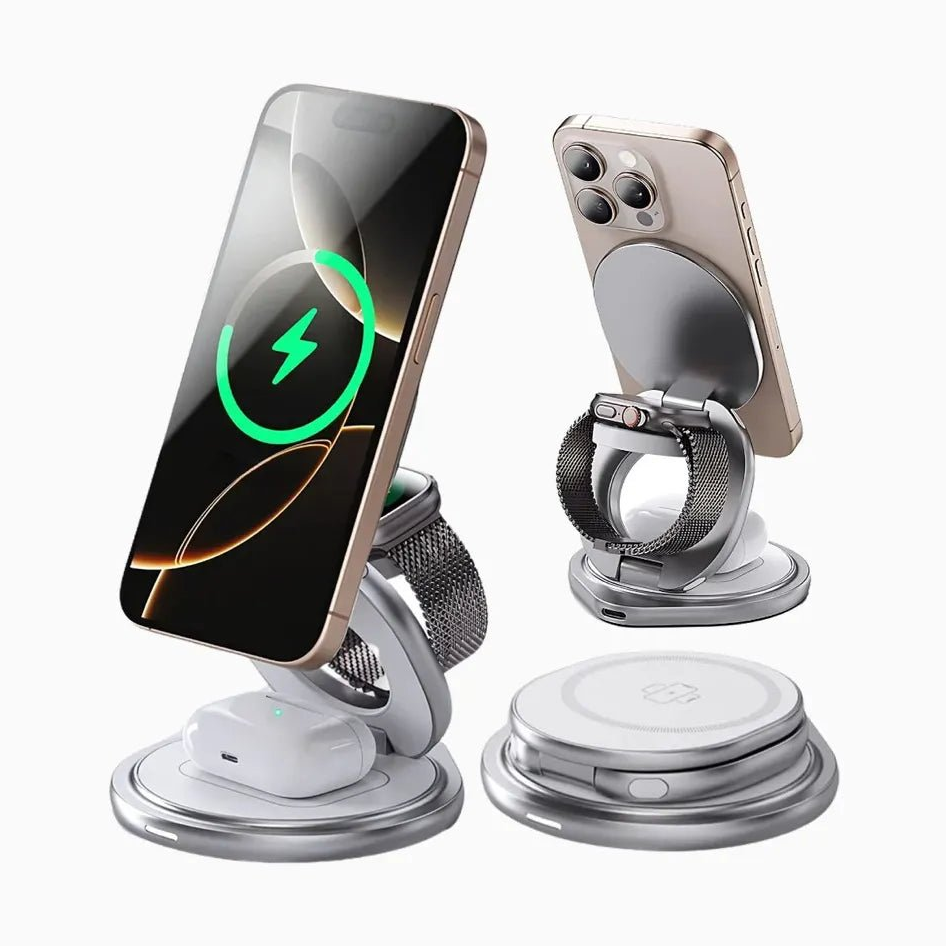
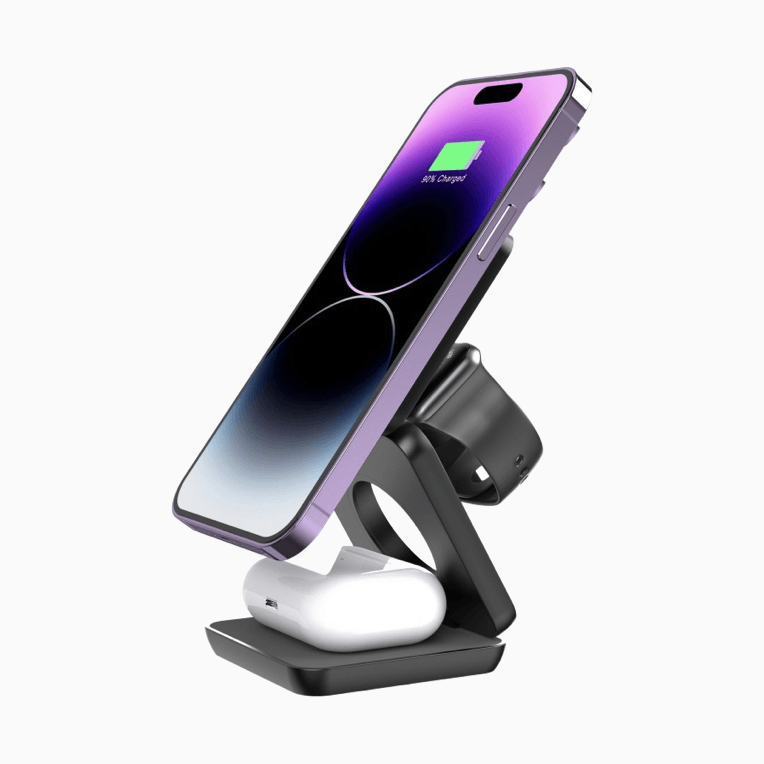
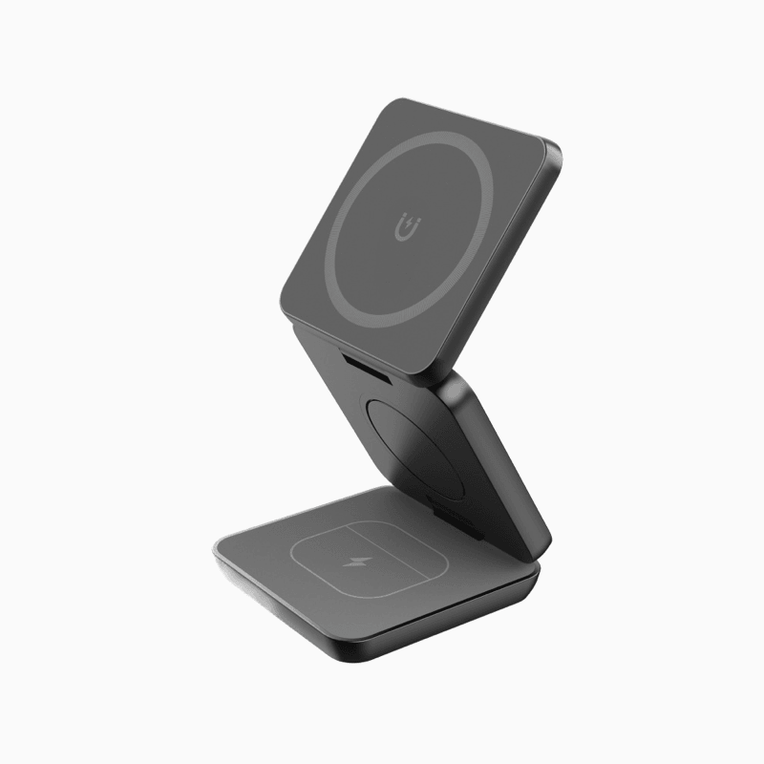
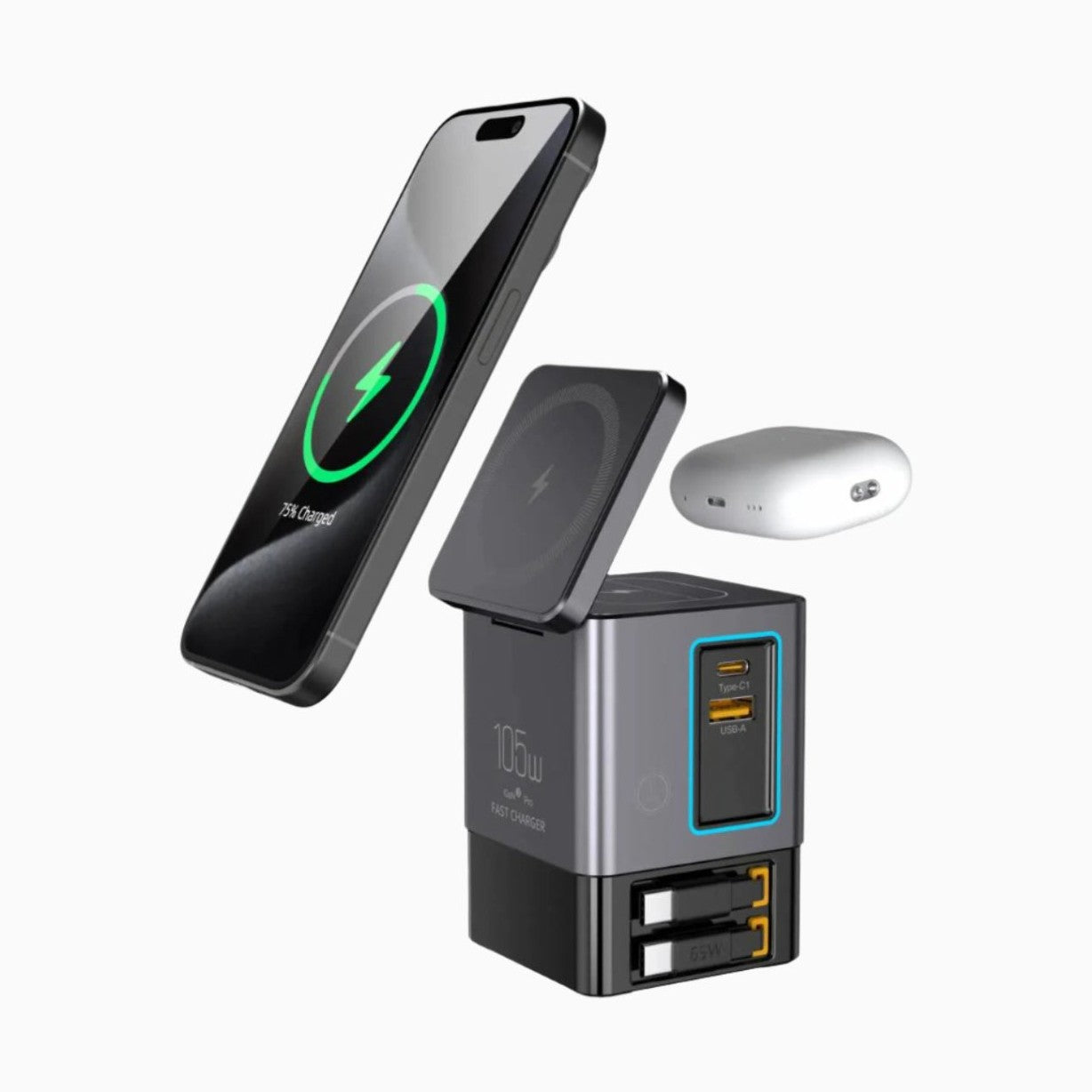
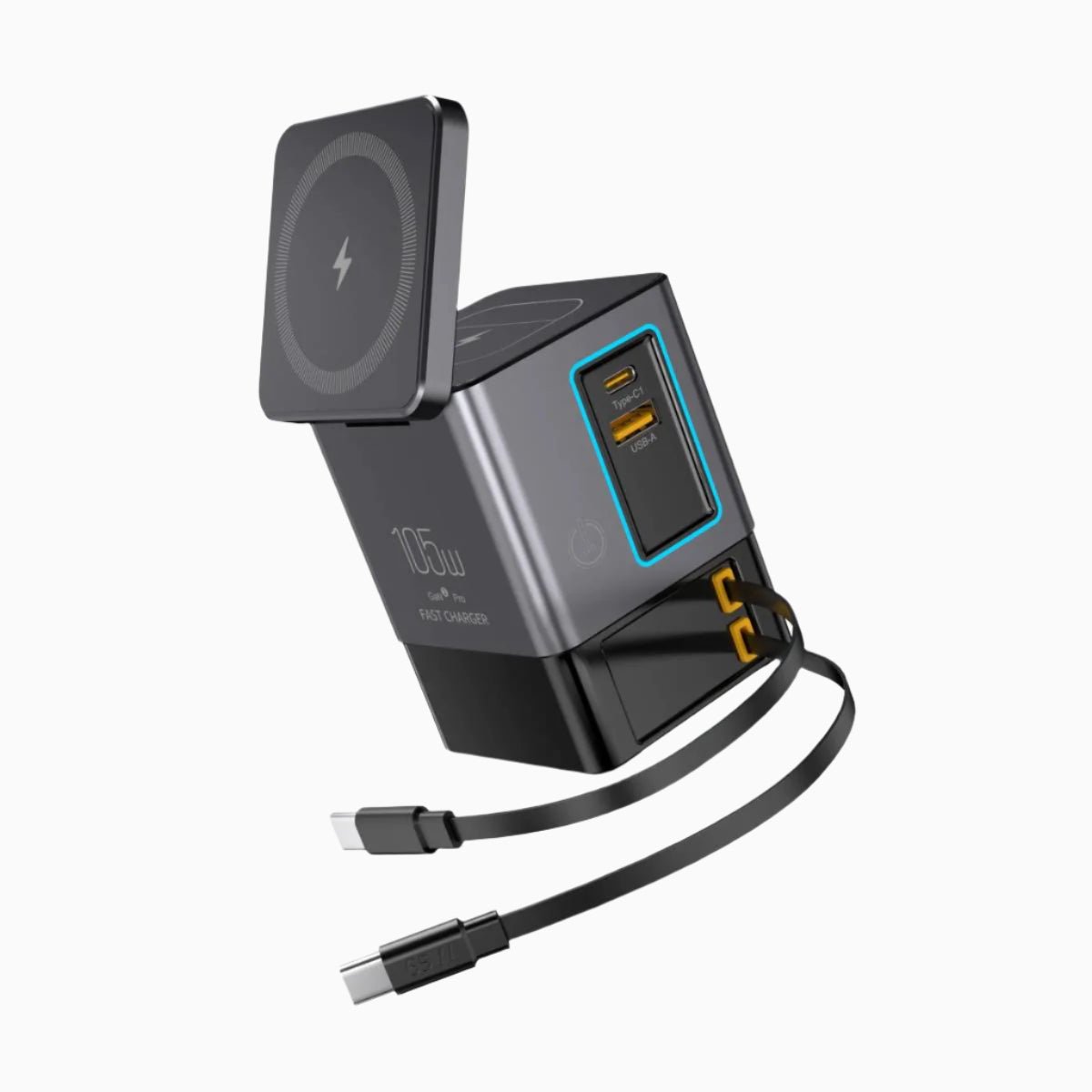
A wireless charging station designed for Apple devices offers a much cleaner alternative. With one charging station, you can power your iPhone, Apple Watch, and AirPods at the same time—without juggling multiple cables.
For users who spend long hours at a desk, a dedicated solution like an
👉 Apple Desk Wireless Charging Solution
helps keep devices organized, accessible, and charging efficiently in one place.
Unlike travel chargers, desk wireless charging stations are built to stay on your workspace, focusing on stability, convenience, and everyday reliability.
Is a 3-in-1 Wireless Charger Worth It?
For many Apple users, the answer is yes—especially if you:
-
Use all three devices daily
-
Prefer an organized desk setup
-
Want to replace multiple chargers with one solution
A 3-in-1 wireless charging station simplifies daily charging and reduces desk clutter, making it a practical long-term upgrade rather than just a convenience.
Who Is This Setup Best For?
A multi-device desk charging setup is ideal if you:
-
Work at a desk or home office
-
Want quick access to your devices while charging
-
Prefer a clean and minimalist workspace
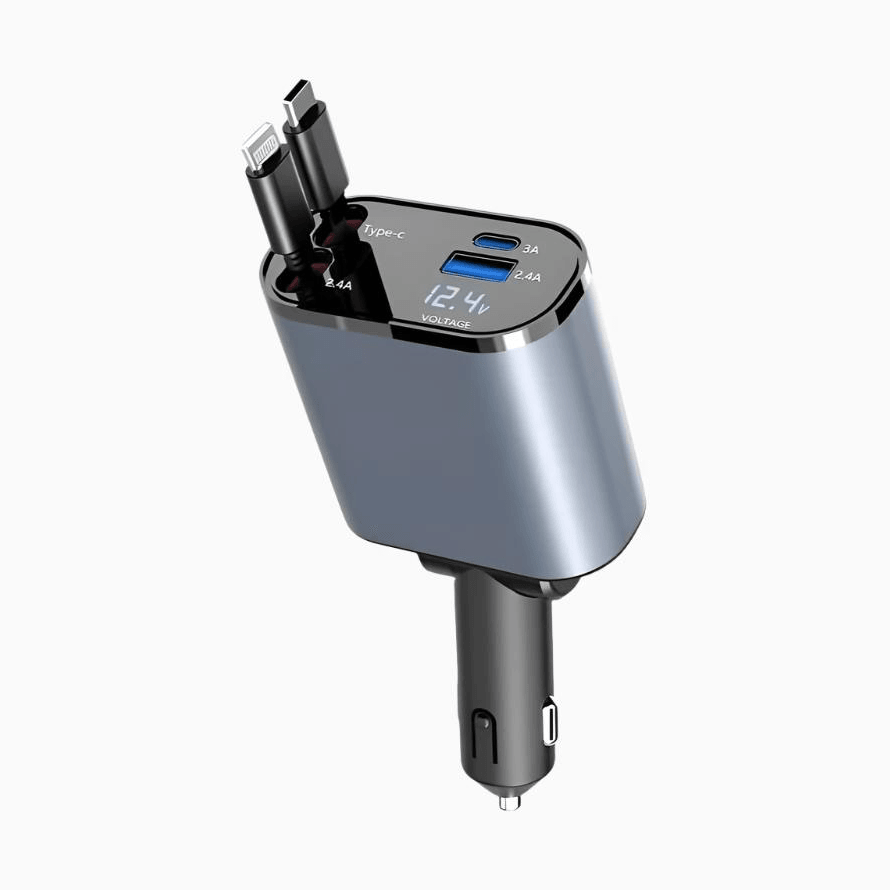
If you travel frequently or need a highly portable option, a foldable or travel charger may be more suitable.
A Small Bonus for New Users
If you’re setting up a better desk charging solution for the first time, new customers can enjoy an extra 10% off on their first order. It’s a simple way to upgrade your charging setup while saving a little at the same time.
Final Thoughts
Charging your iPhone, Apple Watch, and AirPods at the same time doesn’t have to be complicated. With the right desk setup, you can keep your workspace clean, organized, and efficient.
If you’re looking for a reliable solution designed specifically for desk use, explore our
👉 Apple Desk Wireless Charging Solution
to find a charging setup that fits your daily routine.